Pro-grade 4K image generation and editing on your own GPU, free
Open weights, 16 reference images, and community builds that fit a 16 GB card.
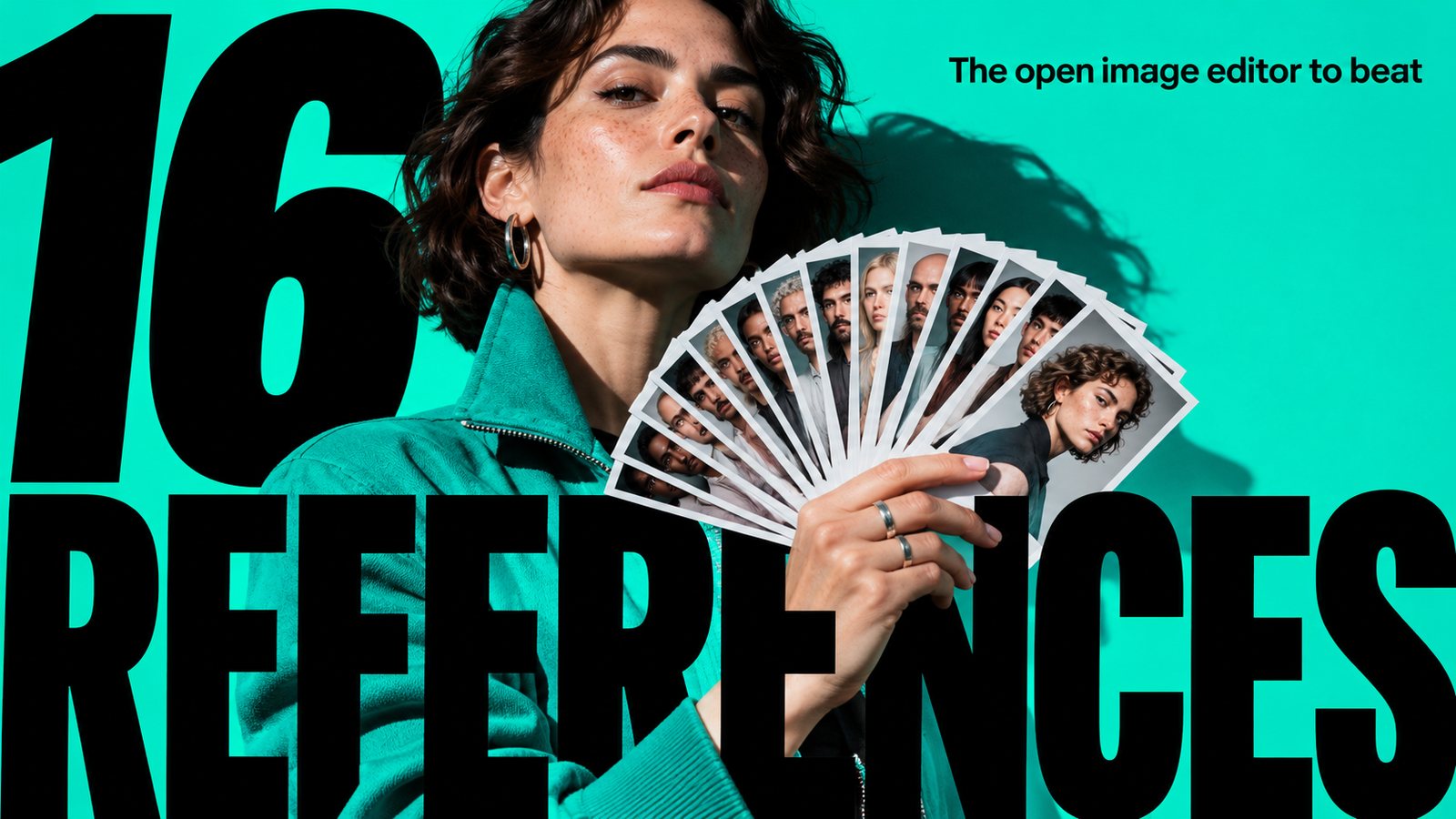
Hand MiniMax H3 Image a flat illustration and it hands back a convincing photo, same layout, same horizon. Give it up to 16 reference images and it keeps faces and outfits consistent across the edit. It is an open-weights image generator and editor from MiniMax, with ready-made ComfyUI workflows from day one.
The deeper look
The evidence is better than usual for a week-old model. Arena has it first among open models on Multi-Image Edit at 1365, tied with Nano Banana 2 and Pro. Artificial Analysis ranks it the top open-weights model for image editing. Both are third-party measurements. MiniMax's own claim, a 4K-by-4K image in 10 to 20 seconds, is the maker's word and depends on your card.
The hands-on side agrees. AI Search ran it in ComfyUI on a 16 GB RTX 5000 Ada: about 11 seconds for 2K, 26 seconds for a 4 MP single-image edit. Fahd Mirza's run used close to 48 GB of VRAM at the full BF16 setup, so quantized weights or fewer steps are how you shrink it. He saw edits keep face, hair and lipstick while the outfit and background changed. The background looked slightly plasticky.
Against Qwen Image, AI Search found edit quality very close to Qwen Image 2.1: MiniMax better at fixing light and colour, Qwen more faithful when restoring old photos. Against Krea on text-to-image it was mixed. Krea won on realism and anatomy; MiniMax won on UI design and magazine covers.
It suits tinkerers with a mid-range GPU and creators who composite from many references. Skip it if you need flawless small text or large groups of faces. Check the license terms before commercial use.
How to start: download the Comfy-Org build at huggingface.co/Comfy-Org/MiniMax-H3-Image and load the day-one workflow template in ComfyUI. Set output to 2 MP or more. Short on VRAM: community GGUF builds, such as abiray's, go down to Q2 at about 7 GB.
$ hf download Comfy-Org/MiniMax-H3-Image$ hf download MiniMaxAI/MiniMax-H3-Image$ hf download Hearthscale/MiniMax-H3-Image-GGUF$ git clone https://github.com/MiniMax-AI/MiniMax-H3-Image